
Writing assistance for legal documents.
PRODUCT DESIGN
WEB APP
UX/UI REDESIGN
LEGAL TECH
TEAM
Product Manager
Front-end Engineer
Back-end Engineer
CONTRIBUTIONS
Design systems
UX/UI Design
Prototyping
CONTEXT
The Impact Fund is a legal NPO based in Berkeley, CA; they challenge the wealthy and powerful by fighting for socioeconomic, environmental & racial justice through strategic litigation.
Their latest digital product, NoticeAssist, helps public-interest lawyers write legal documents on Microsoft Word that are accessible & understandable by people of all backgrounds. I re-designed the UI and user flows from scratch. NoticeAssist was released on Sep. 17, 2024.
ROLE
Product Design Intern
TIME
Jun — Aug 2024, 10 weeks

THE PROBLEM
Lawyers aren't the best at writing for everyday people, so class action notices are often confusing and full of jargon. What if they had a tool that could —
ANALYZE EACH LINE OF THE NOTICE
and offer innovative alternatives to words and phrases that are inaccessible,
WHILE ALSO GIVING LAWYERS
a fine level of control over the balance between AI input and professional discretion?

THE PROCESS
The Impact Fund prototyped a solution but it was clunky & unintuitive, so I redesigned its navigation & info architecture for usability.
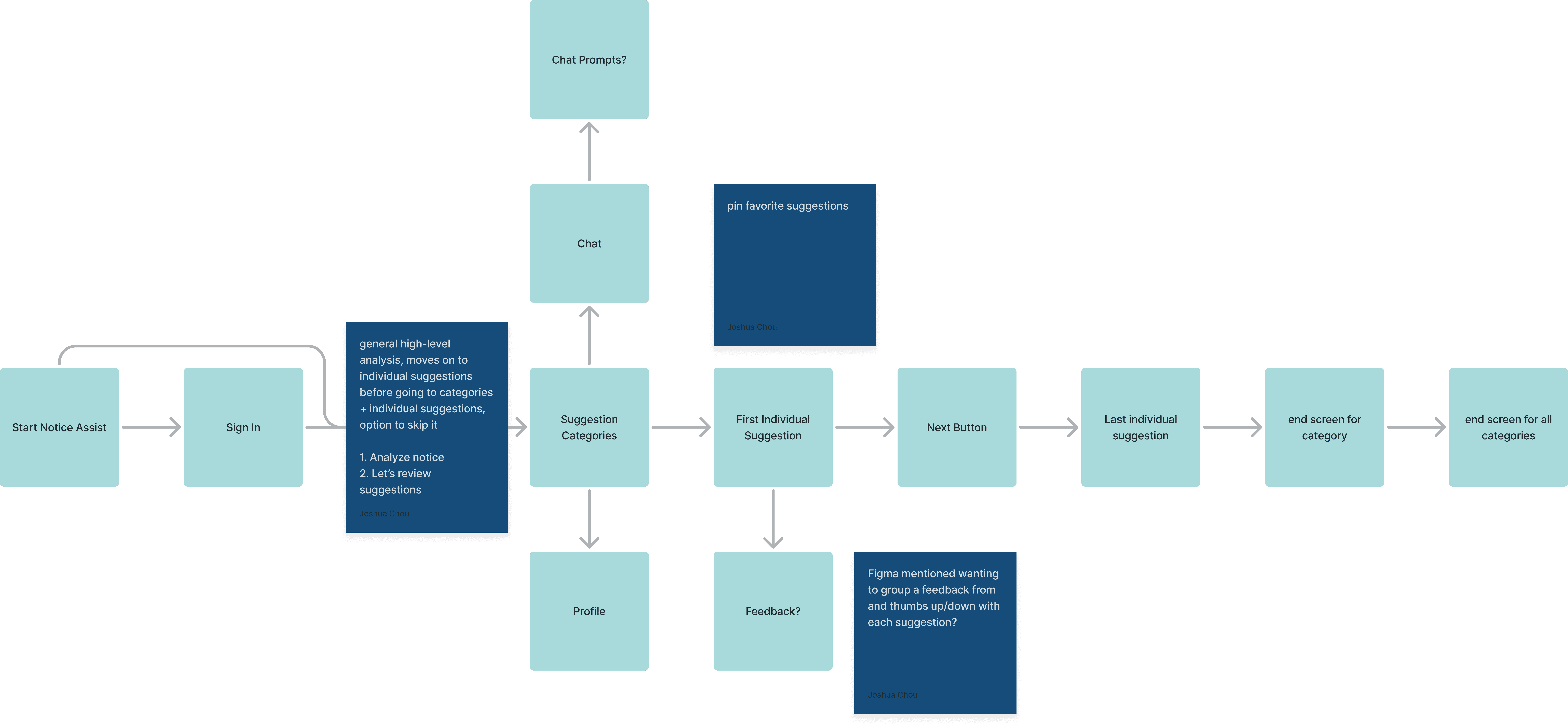
I audited similar products like Grammarly &
Google Docs to establish familiar UX patterns
BEFORE
Vague & misleading
Redundant information
Cluttered feel
AFTER
Gets to the point
Simplifies user decision
Polished feel


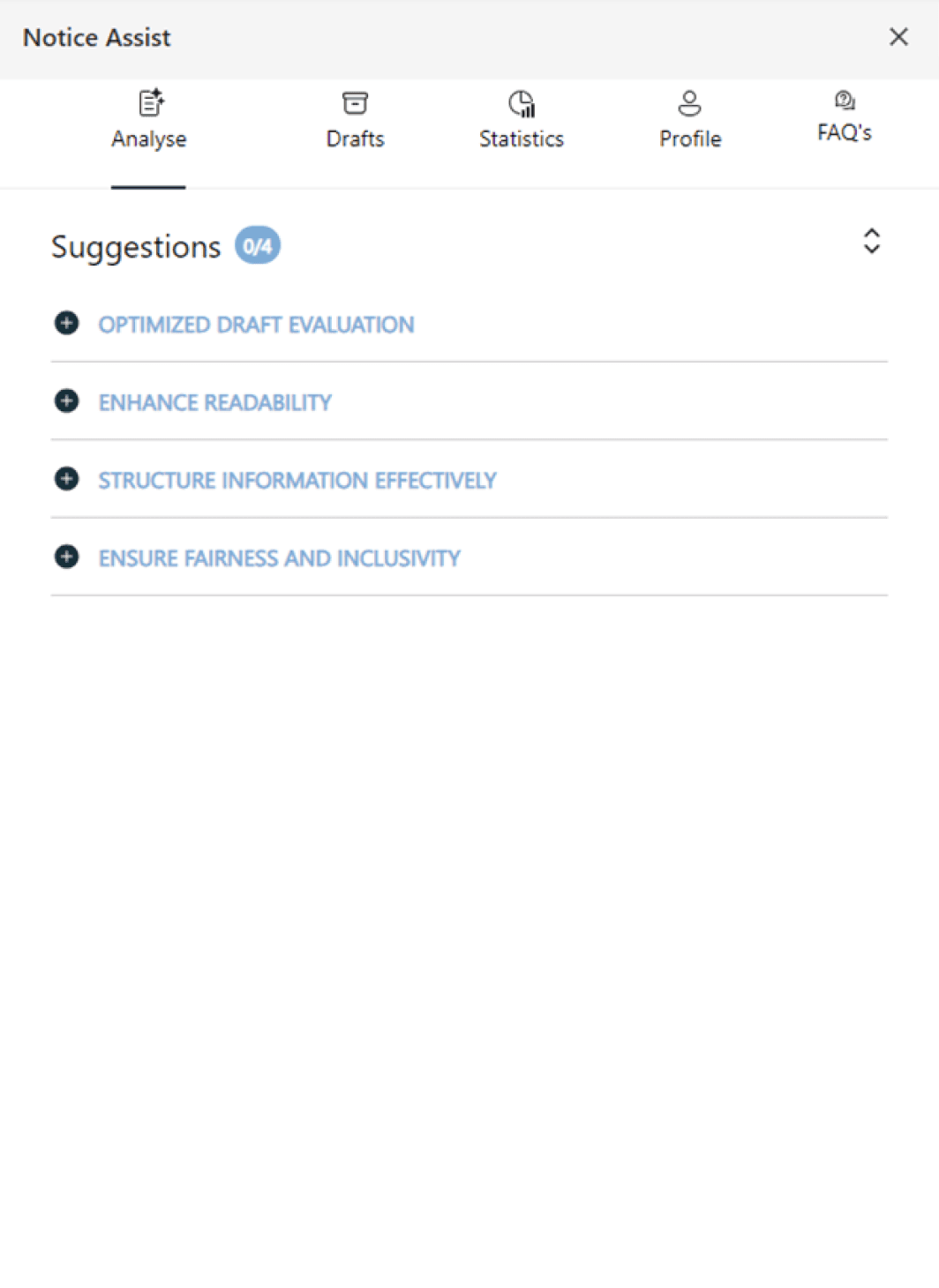
BEFORE
Illegible labeling
Awkward white space
Unclear flow
AFTER
Clear categories
Progress indicators
Clear start and end

BEFORE
Visually dissonant
Vague hierarchy
No version control
AFTER
Linear progression
Lightweight feel
Legible flow


THE PROCESS
The Impact Fund wanted to stick with its original color palette, so I strategically used variations to keep the product vibrant.
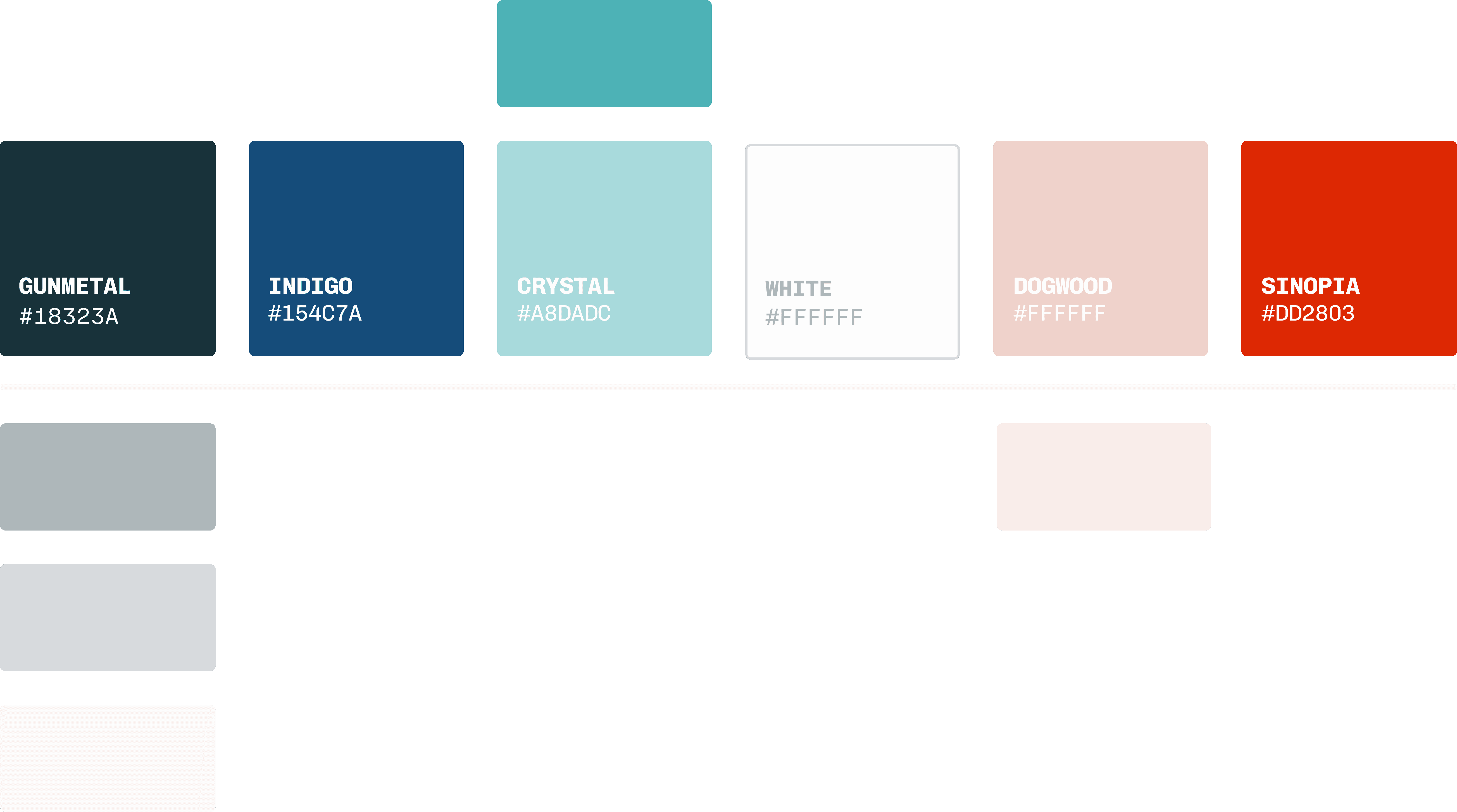
These variations became especially useful for the
interaction design of variable components!
THE SOLUTION
Step 1. High-level tips to make the document more approachable and less intimidating.
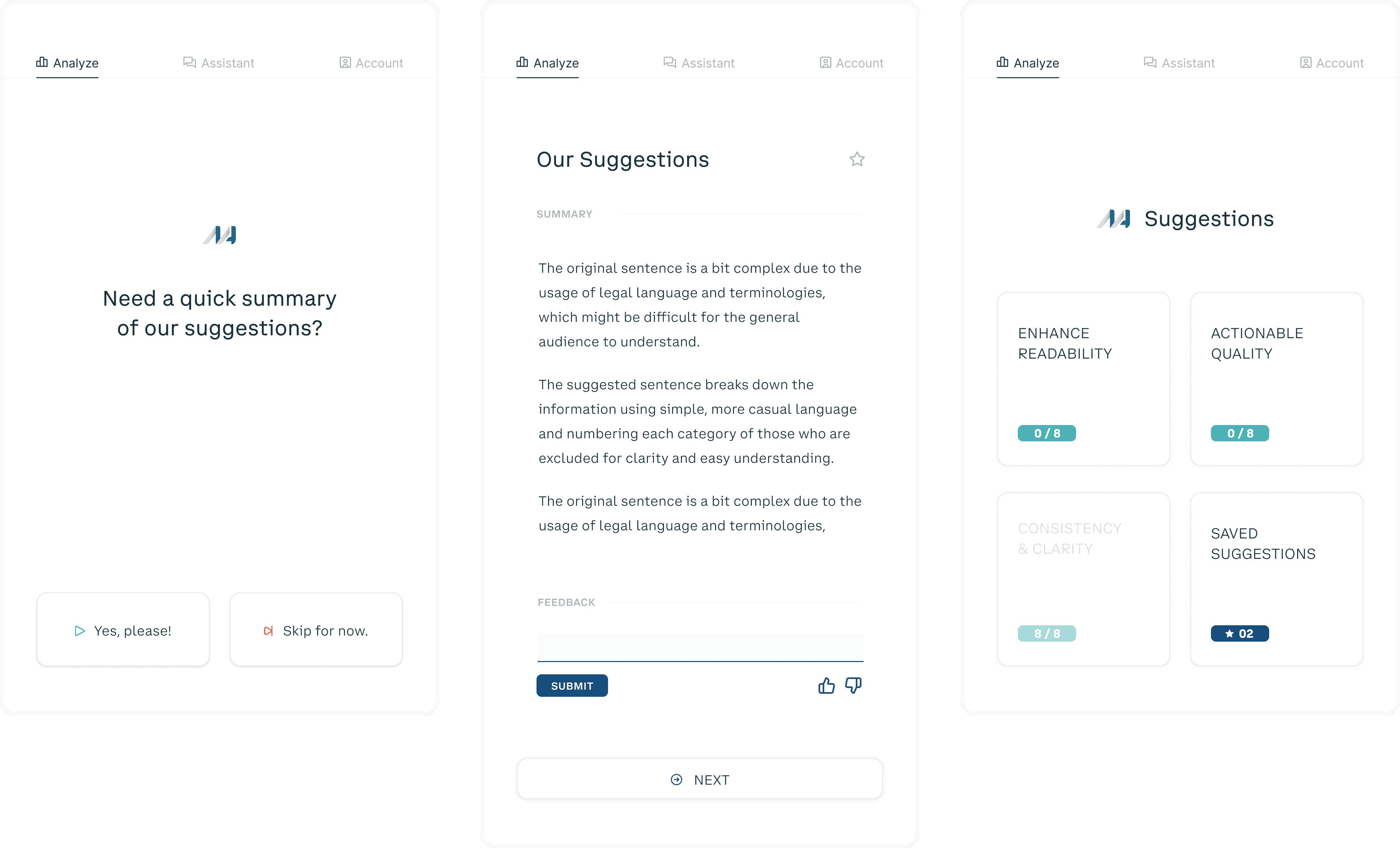

THE SOLUTION
Step 2. Swap confusing phrases w/ fresh suggestions, one at a time, and log them for review.

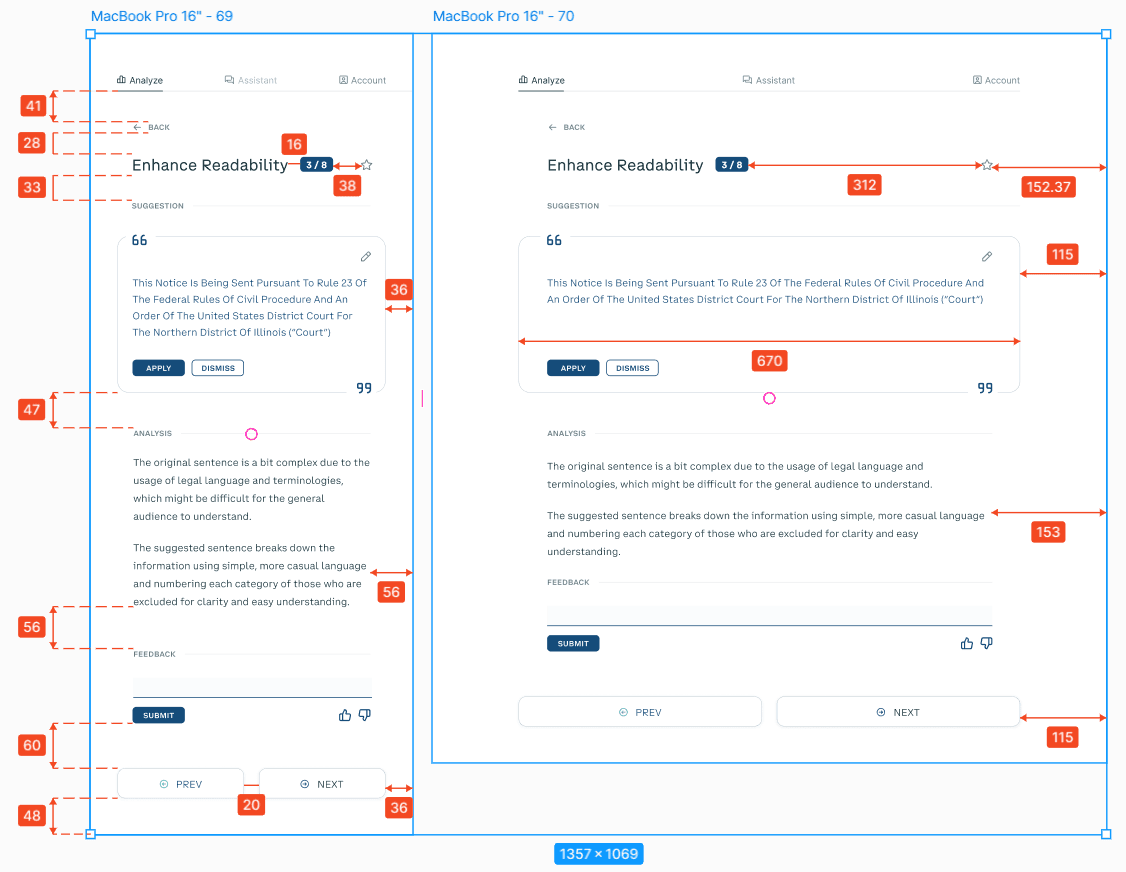
This was the core flow, so I still had to keep it in
mind when making decisions for related features

EDIT suggestions before inserting them,

Or just DISMISS them (you can't please everyone).

See something you like? SAVE it to look at later.


THE SOLUTION
In a complex class action lawsuit with multiple classes & notices, the Impact Fund used NoticeAssist to create class notices. Read more in this case study.
THESE NOTICES EMPLOY UNUSUALLY CLEAR & STRAIGHT FORWARD
LANGUAGE" — JUDGE KIMBERLY MUELLER, E.D. CAL.
